// devops, in your slack

A senior DevOps engineer that lives in your Slack.

Hand off tedious infrastructure work to a DevOps agent that understands your environment. It plans changes, opens pull requests, and applies nothing without your approval. Written by engineers with 10+ years of experience managing Kubernetes clusters and running AWS infrastructure.

read-only by default/approve every action/fully auditable
#platform-ops · eks upgrade online
you can we take staging from 1.28 to 1.31?
@apoc checking upgrade readiness…
▸ control plane v1.28.4, 6 nodes, all drainable
▸ manifests scanned no deprecated APIs in use
plan → 1.28 → 1.29 → 1.30 → 1.31, one minor at a time
≈ 22 min, zero downtime
Open the PR Dry run first
you ›
// capabilities

One agent, wired into your whole platform.

No new dashboard to learn. It reads your environment, reasons about it, and acts when you say go.

kubernetes01

Automates Kubernetes upgrades

Before it touches anything, it checks the upgrade is possible and safe: version skew, deprecated APIs, whether every node can drain. Then it walks the cluster up one minor at a time as a PR.

debugging02

Debugs with real app context

Give it read-only access to your application repos and it debugs from the actual code, not just what the AWS console reports.

infra q&a03

Answers questions about your infra

Ask what is running and how it is wired. It runs read-only AWS and kubectl commands live and answers in the thread. Good for debugging, and you can let it read your app's codebase too.

scoped writes04

Modifies resources you allow

List a set of resources by ARN and it changes those directly. Everything off that list stays read-only and ships as a PR.

// how it works

Every change goes through you.

  1. 01

    We deploy the agent

    We stand up your own Apoc instance. There is nothing for you to host or run.

  2. 02

    You grant read-only access

    You create a cross-account IAM role that lets the agent read your AWS account. Read-only, nothing more.

  3. 03

    Connect it to Slack

    Install the Apoc app in your Slack workspace. That thread is where you talk to it.

  4. 04

    Changes arrive as a PR

    Any mutating change lands as a pull request to your IaC repo, written as Terraform you can read.

  5. 05

    You review and approve

    Nothing is applied until you approve the PR. No unsupervised changes, ever.

  6. 06

    Your Executor applies it

    You run the small, open-source Executor in your own AWS account. It is serverless, and it only applies changes from a PR you approved.

The agent never holds write access to your account. Terraform applies the change, and only from a PR you approved.
// about us

The team behind your new teammate.

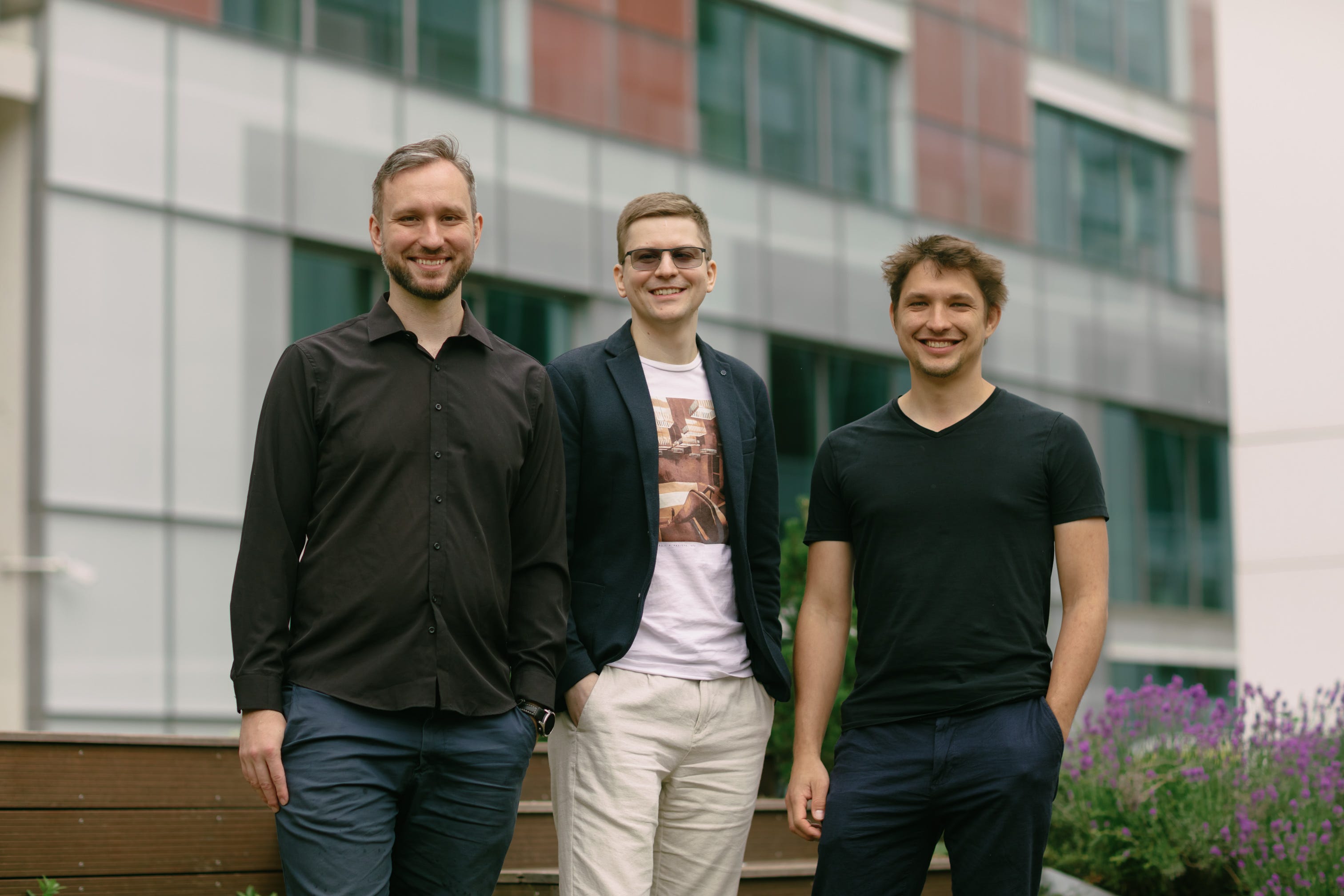
We are a small team of AI and DevOps engineers based in Prague. We have 10+ years of experience managing Kubernetes clusters and running AWS infrastructure, so we know exactly which parts of that work nobody misses.

So we taught an agent to do that work the way we would: carefully, with a PR for everything. When you write to us, you talk to the people who wrote the code.

The Apoc team
// for platform teams

No time for another Kubernetes upgrade? Give it to Apoc.

Tell us about your setup and we'll be in touch. No demo booking, no sales call. Just a real reply from the team.

Message sent.

Thanks. Your details are with the team and we'll follow up shortly.